![swipedon-orange.png]](https://www.swipedon.com/hs-fs/hubfs/swipedon-orange.png?height=40&name=swipedon-orange.png)
How to download receipts for the SwipedOn subscription
-
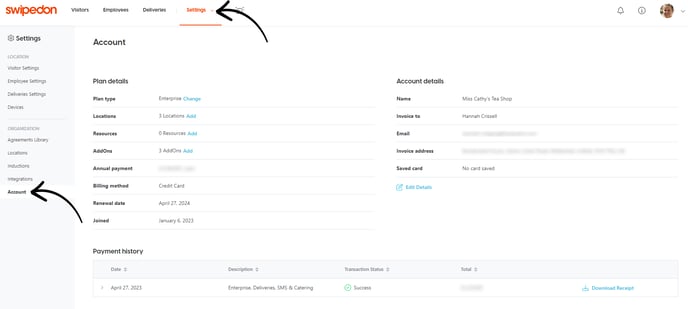
Navigate to the 'Settings' > 'Account' tab of your SwipedOn web dashboard.
-
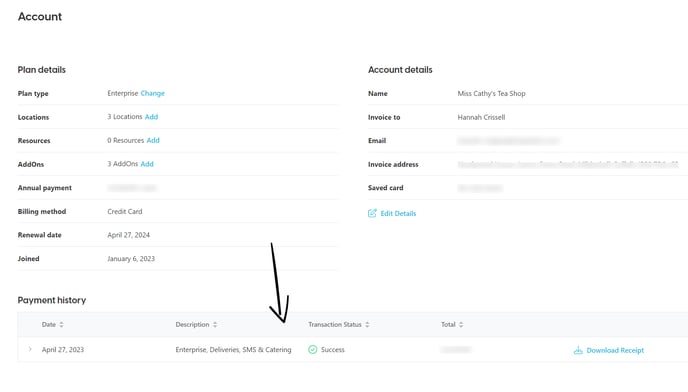
At the bottom of that view, you will see your payment history
-
All receipts for purchases made within your SwipedOn account for your plan subscription along with any AddOns purchased will appear in this view.
-
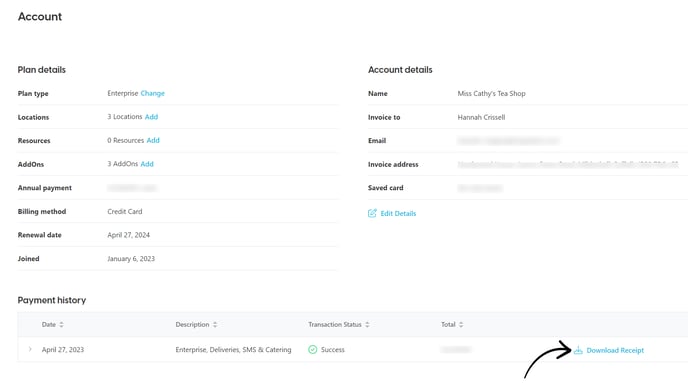
Click on the blue download receipt button to download the receipts required.